Why You Need 2FA & MFA in 2025 🔑
Learn how to enable 2FA and MFA in 2025 to protect your online accounts. This guide covers authenticator apps, SMS codes, and hardware security keys with easy setup steps and pro tips.
Protect your accounts from hackers with simple extra steps.
⬅ Back to Part 1: Free VPN Comparison
⬅ Part 3: Best Password Managers 2025
🔒 What is 2FA & MFA?
Two-Factor Authentication (2FA) and Multi-Factor Authentication (MFA) add an extra layer of security beyond just your password. With 2FA, you confirm your identity using something you know (your password) and something you have (a code sent to your phone).
🆚 2FA vs MFA
- 2FA: Always uses exactly two factors (password + one extra step).
- MFA: Can use two or more factors (password + biometric + token, etc.).
- Both protect you from password leaks and phishing attacks.
📱 Most Popular 2FA Methods
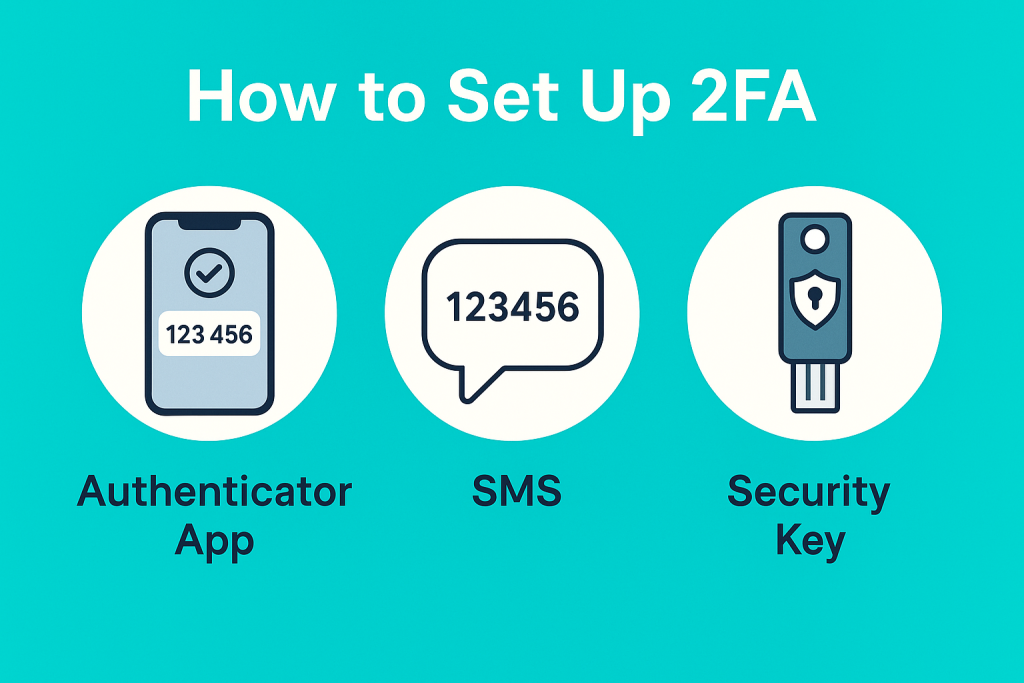
Authenticator Apps
Shop Authenticator Apps on Amazon – Safer than SMS codes.
SMS Codes
Better than nothing, but vulnerable to SIM swapping attacks.
Hardware Keys
Shop Security Keys on Amazon – the gold standard for strong protection.
Push Notifications
Tap “Approve” on your phone – quick and user‑friendly.
⚙️ How to Set It Up
- Go to your account security settings (Google, Apple, Facebook, etc.).
- Find 2‑Step Verification or Multi‑Factor Authentication.
- Choose your preferred method (app, SMS, key).
- Save backup codes in a safe place.
💡 Pro Tips
- Prefer authenticator apps or hardware keys over SMS.
- Enable MFA everywhere – email, social media, cloud storage, banking.
- Rotate backup codes yearly and store them offline.
✅ Stay ahead of hackers: Turn on 2FA today and make your online life safer!
Coming Soon: Ultimate Browser Security Guide 2025