







Verify on YouTube
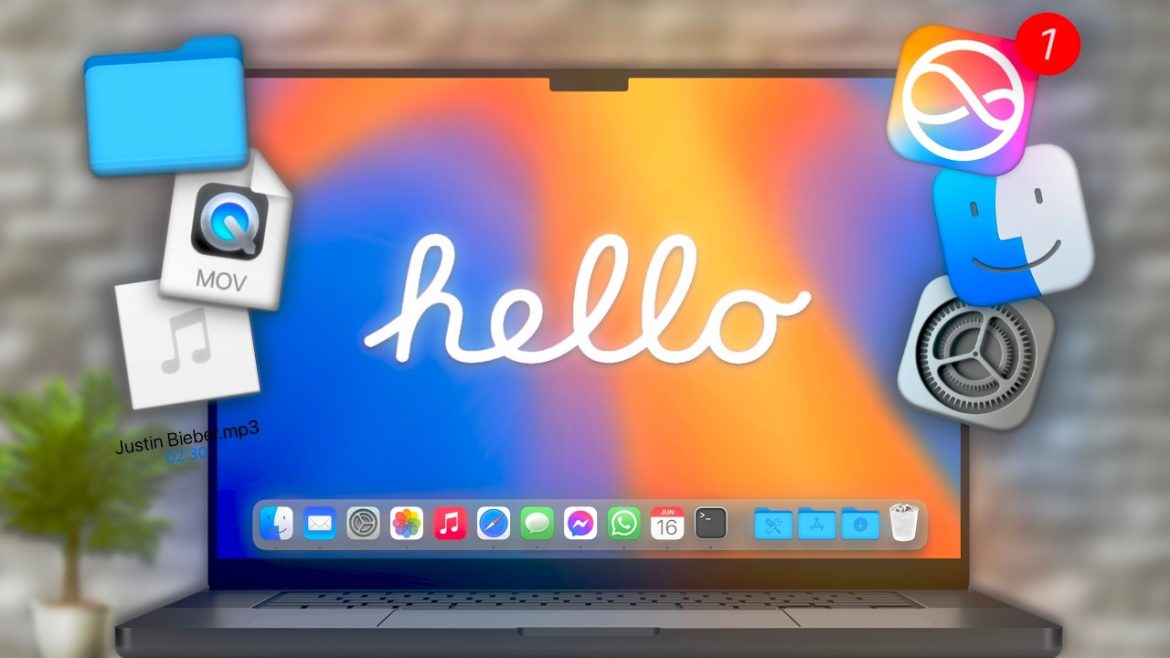
💻 I Bought a New MacBook – Hype vs Reality Check
After unboxing Apple’s latest MacBook, I expected lightning-fast performance, no fan noise, and a huge creative upgrade. But the reality? It’s more complicated than the ads make it seem. Here’s the truth about what lives up to the hype — and what doesn’t.
⚡ Expectations vs Reality
Apple’s marketing promises “unmatched performance and all-day battery.” In light workloads, that’s true — the system flies. But once you push it with heavy multitasking, 4K video editing, or virtual machines, thermal throttling kicks in and battery drain increases noticeably.
📊 Performance and Benchmarks
- Single-core benchmarks are excellent, but real-world multi-core results show minimal difference from previous models.
- Rendering or exporting under high CPU load causes noticeable temperature rise.
- Everyday tasks like note-taking, browsing, and media playback remain silky smooth.
🌡️ Heat, Noise, and Battery Life
In quiet office or travel conditions, the MacBook remains impressively silent. But when exporting large files or compiling code, fans become audible. Battery life approaches Apple’s 17–18 hour claim only with brightness under 50% and minimal multitasking.
🎯 Who Should Buy It?
Perfect for creators, coders, and designers who demand performance on the go. But for students or everyday users, the generational gap between M2 and M3/M4 chips might not justify the upgrade — especially given the high price tag.
🔗 Related Deep Dives
👉 If you want to see how performance feels after months of real use, read MacBook Pro M4 Review After 3 Months – This Feels Wrong.
👉 Or, if you’re deciding which model to buy, check out M1 vs M2 vs M3 vs M4 MacBook Air – Don’t Buy the Wrong One in 2025.
🛒 Check the Latest MacBook Deals
Explore discounts on MacBook Air and MacBook Pro models — compare specs, RAM, and SSD options easily.
👉 Find MacBook Deals on Amazon
Affiliate Disclosure — As an Amazon Associate, I earn from qualifying purchases at no extra cost to you.
⚙️ Best Accessories for Your MacBook
Level up your setup with USB-C hubs, laptop stands, and external SSDs compatible with Apple Silicon models.
👉 Shop MacBook Accessories on Amazon
Affiliate Disclosure — I may receive a small commission when you purchase through this link, at no extra cost to you.



Verify on YouTube
💻 DIY Dual-Screen Cyberdeck — Where Creativity Meets Engineering
A portable workstation, a hacker’s dream setup, or simply the future of compact computing — this DIY Dual-Screen Cyberdeck brings all three together. Combining sleek design with incredible functionality, it redefines what a custom-built computer can be.
⚙️ The Build Concept
This project features a dual-screen setup mounted on a compact chassis, complete with an integrated keyboard, cooling solution, and modular I/O ports. The builder’s goal? To create a fully portable workstation that feels like a cross between a laptop and a command console.
It’s a striking example of form meeting function — where minimalist design hides powerful capabilities.
🧠 Hardware Highlights
- 🔋 Dual 1080p IPS displays with adjustable hinges for flexible angles
- 🧠 Raspberry Pi / Mini PC base system for powerful compact computing
- 🎛️ Custom 3D-printed shell with built-in cable management
- 🎧 Audio jack, USB-C, and HDMI outputs for full desktop performance
- 🌈 RGB backlight and modular battery system for long runtime and style
🚀 Performance & Use Cases
This cyberdeck isn’t just a showpiece. It’s designed for developers, digital artists, and cybersecurity pros who need a multi-display setup on the go. Whether coding in coffee shops or monitoring systems remotely, the dual-screen workflow makes productivity seamless anywhere.
🧩 Why It Matters
Projects like this represent the maker movement’s evolution — combining creativity, technical skill, and design aesthetics into something that looks as good as it performs. It’s proof that DIY tech can rival commercial products in both usability and style.
🧠 Related Insight
Want to supercharge your remote teamwork?
👉 Best Collaboration Whiteboard Tools for Effortless Teamwork
🎯 Recommended Gear for DIY Builders
🛠️ Upgrade Your Setup — Build Smarter, Work Smarter!
💬 Final Thoughts
The DIY Dual-Screen Cyberdeck is a perfect blend of innovation and craftsmanship. It’s a glimpse into the future of personal computing — open, creative, and fully customizable.
Disclosure: This post contains affiliate links, meaning we may earn a small commission at no additional cost to you when you make a purchase through these links. Thank you for supporting DealTech Life!